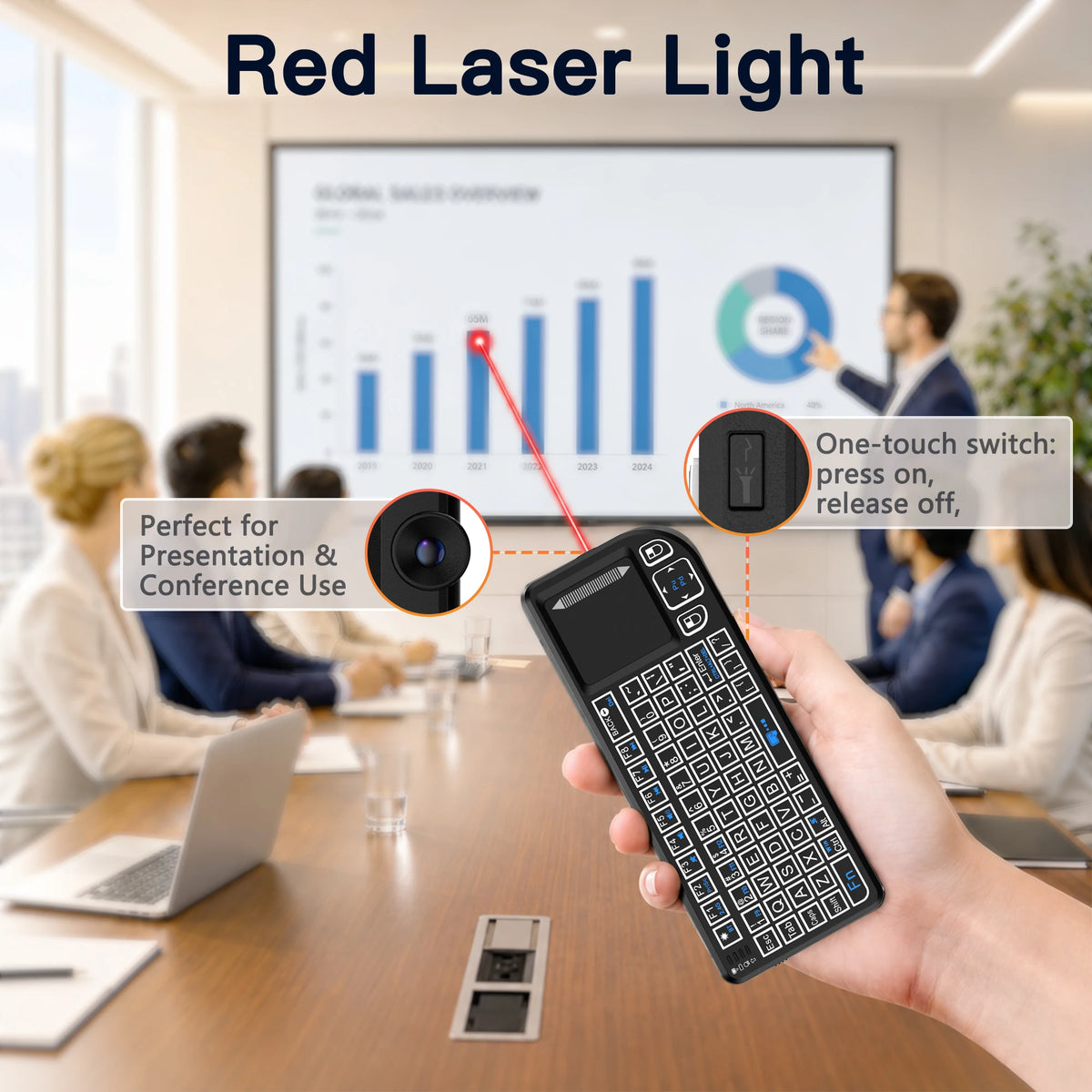
I10 i8 Wireless Mini Keyboard Air Touchpad Mouse Dual Mode BT 2.4G Backlit 7 Color for Android TV Box PC Projector Pad
Backlit Keyboard Languages Version (Optional)
-English/Russian/Spanish/French/Portuguese Versions
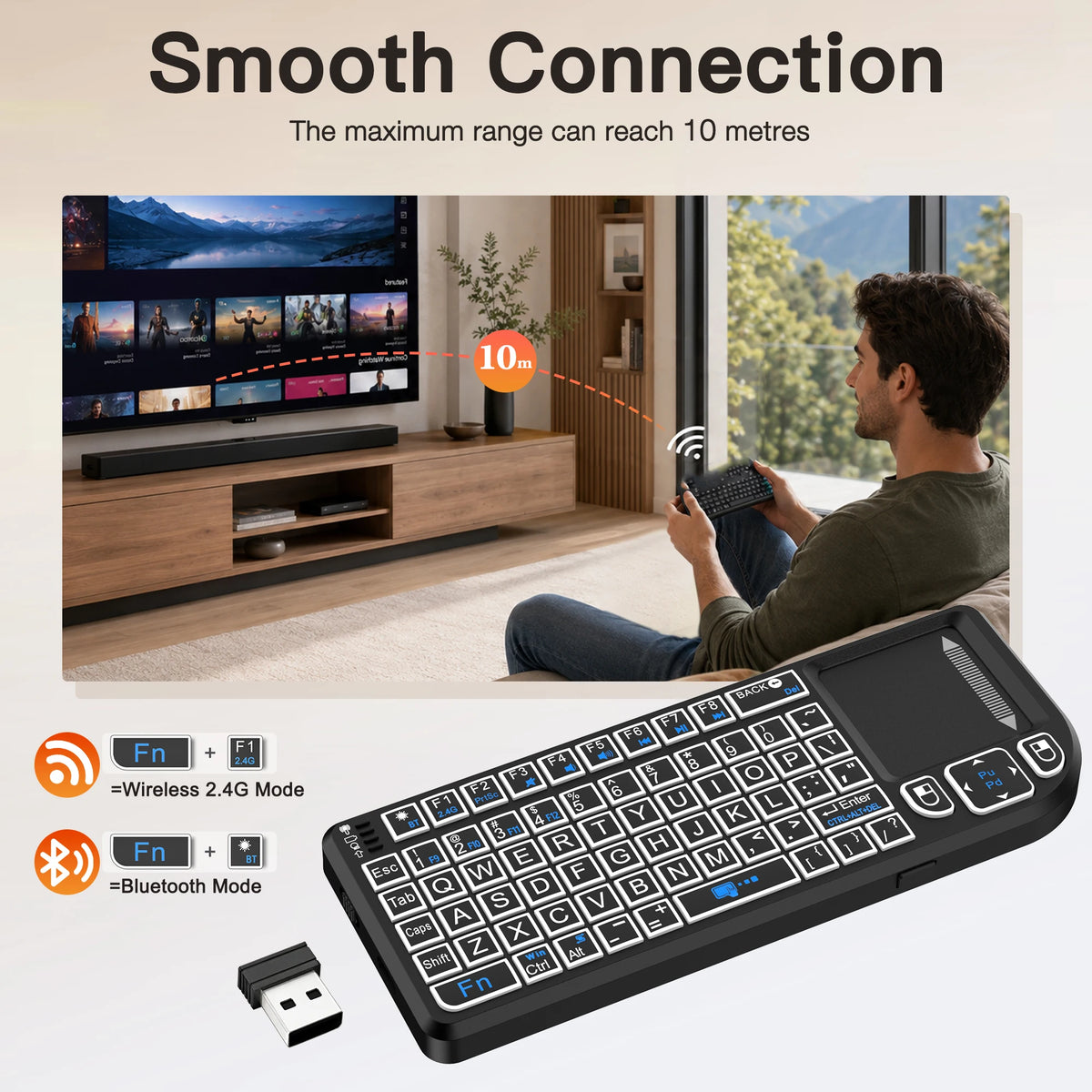
-Wireless mouse 2.4G Wireless Connection Range: radius 3 m
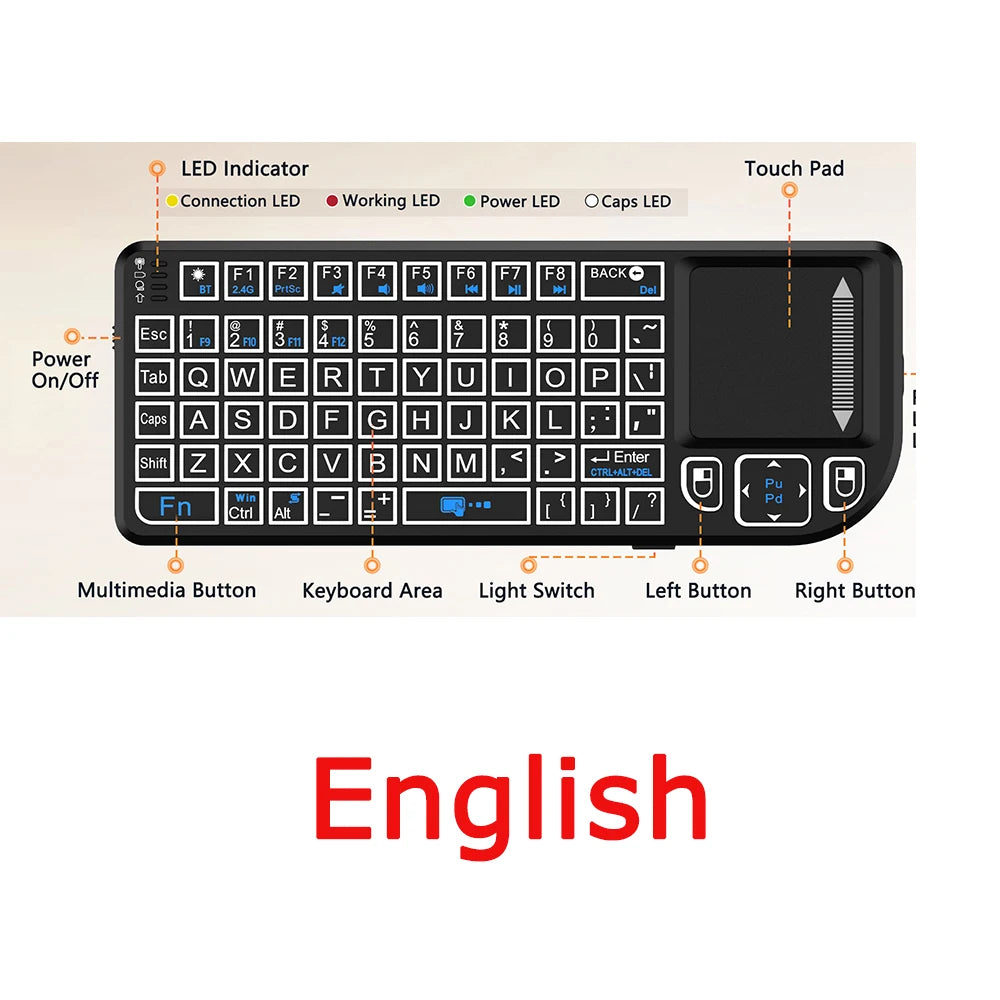
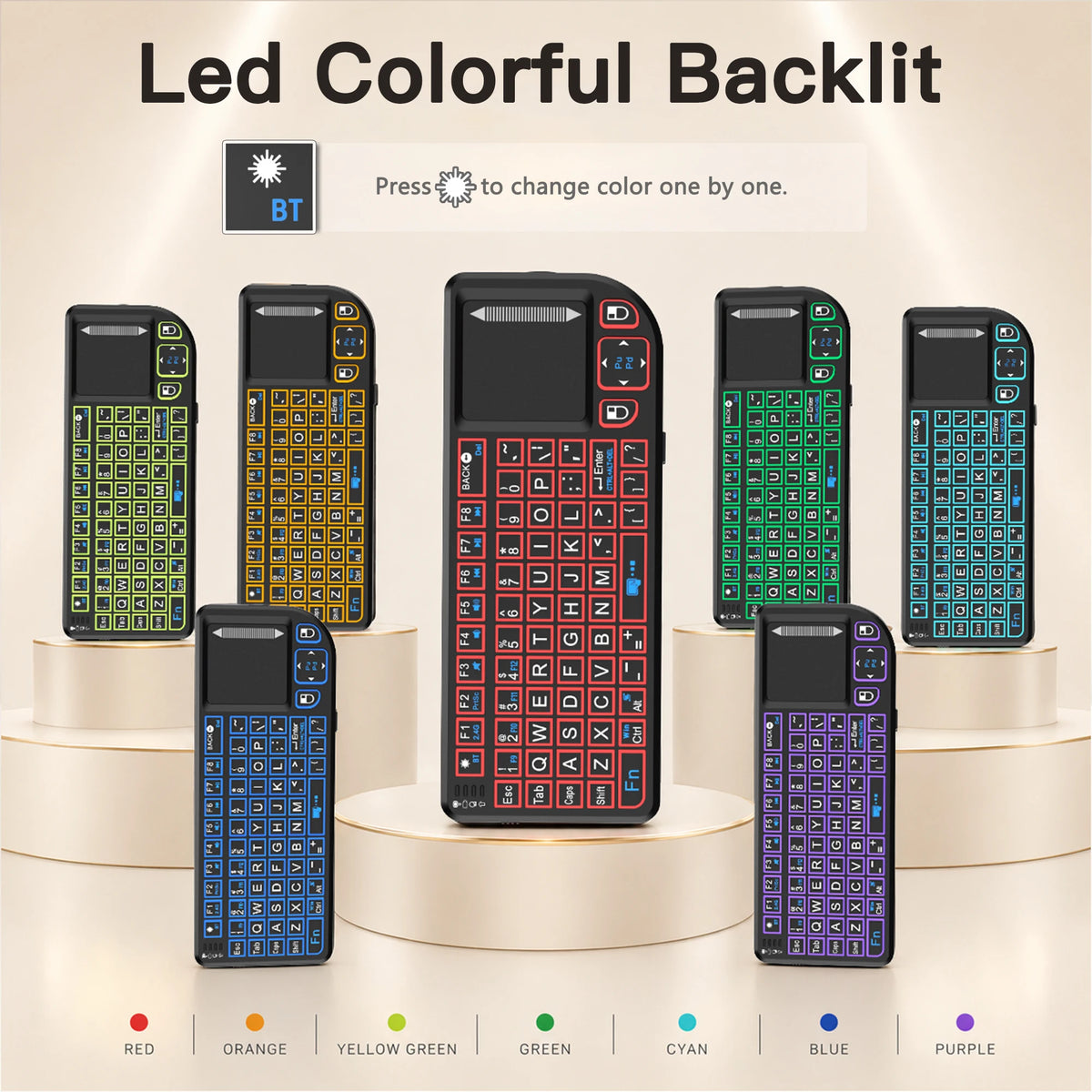
- Press"☀️": Open or Close Keyboard (Backlight/ Backlit) or Change Backlight, can switch between 7 colors.
Fn+ Space: Speed up the mouse move
Fn+ F11: Full screen to browser
Fn+F1(RF): Activation keys
Support System:
-Windows 2000.XP. Vista.Windows CE.Windows 7-11. Android
-Mac OS X.
Linux (Debian-3.1. Redhat-9.0 Ubuntu-8.10 Fedora-7.0 tested)
Package include:
1 x Wireless Keyboard
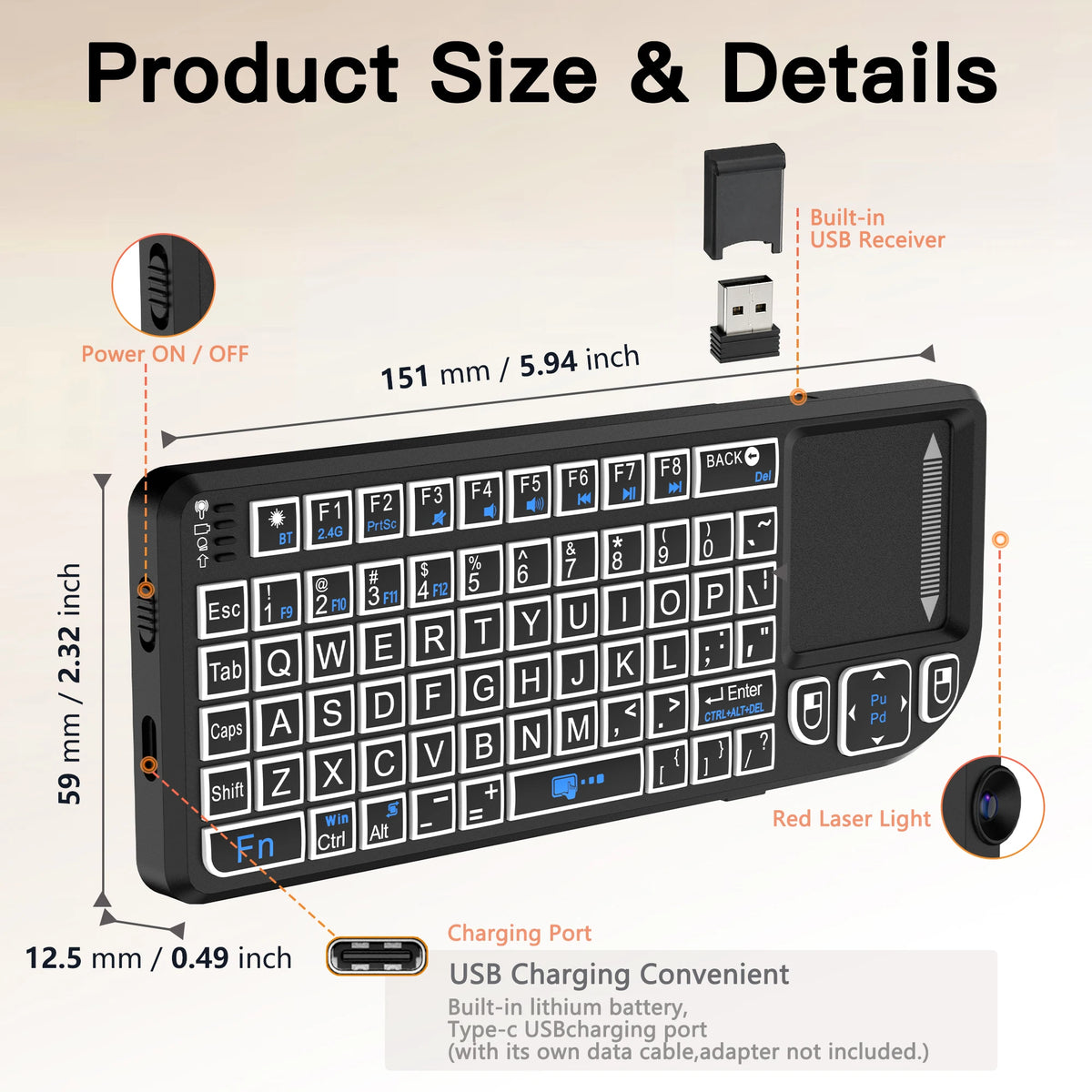
1 x Wireless receiver
1 x User manual
1 x Rechargeable lithium battery
1 x USB charge cable
Note:
How to switch to BT mode?
1.Long press "Fn"+"BT" keys,when the LED turns to flash quickly,mini keyboard enters the prepairing.
2.Click "Add search new devices” on the main device,for example, computer,you will find this mini keyboard's name "BT KeyBoard".Select "BT KeyBoard" to match and connect this mini keyboard.
How to switch to USB receiver mode?
1.Insert the USB receiver into the host device, such as a computer.
2.Long press "Fn"+"F1" keys,when the LED turns to flash quickly,mini keyboard enters the pairing mode,and then complete USB receiver matching.