Zyrali
QGeeM USB C Hub for Macbook Pro Air HDMI VGA Micro SD Card Readers
QGeeM USB C Hub for Macbook Pro Air HDMI VGA Micro SD Card Readers
Couldn't load pickup availability
Atension 1:
Please make sure your phone or laptop has the MHL function or full-function type-c port otherwise our USB-C HUB can't support the video transfer function.
Atension 2:
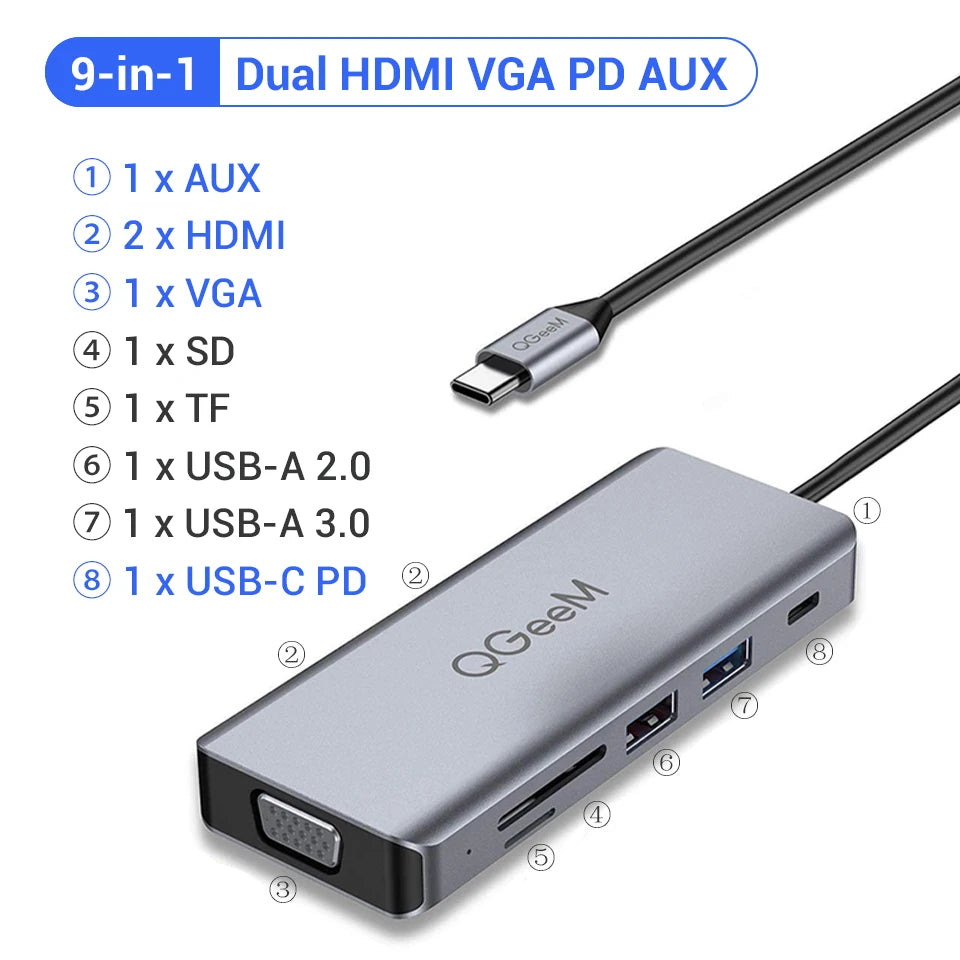
Please kindly note that the 9 Ports VGA Alu HUB and 9 Ports RJ45 Alu HUB only support 1080p60hz when 2 HDMI or 2 HDMI and 1 VGA ports are used to Extend/Mirror mode at the same time in the Windows system.
They can support 4K60Hz when 2 HDMI ports are used to Extend/Mirror mode at the same time in the Mac OS system but only support 1080p60Hz when 2 HDMI and 1 VGA ports are used to Extend/Mirror mode at the same time.
Feature:
1. Multi-Functionality
This hub combines HDMI-compatible, card reader, and RJ45 features, making it a versatile tool for work and play.
2. Convenient Packaging
The hub comes in a package suitable for easy storage and transport, making it convenient for on-the-go use.
3. Durable Construction
Originating from Mainland China, QGeeM ensures durability and quality with its robust construction.
4. Versatile Port Options
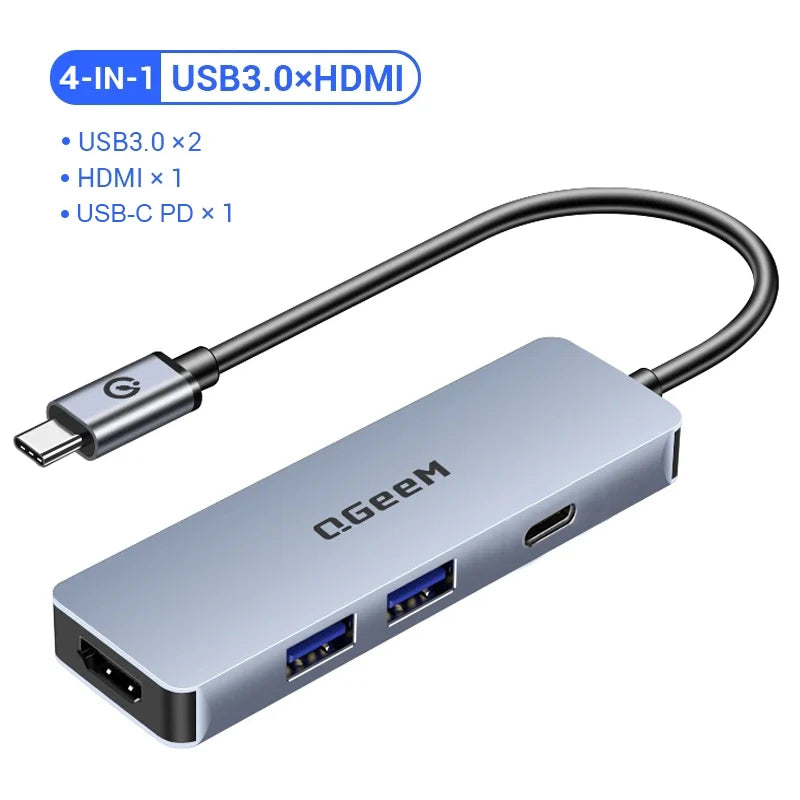
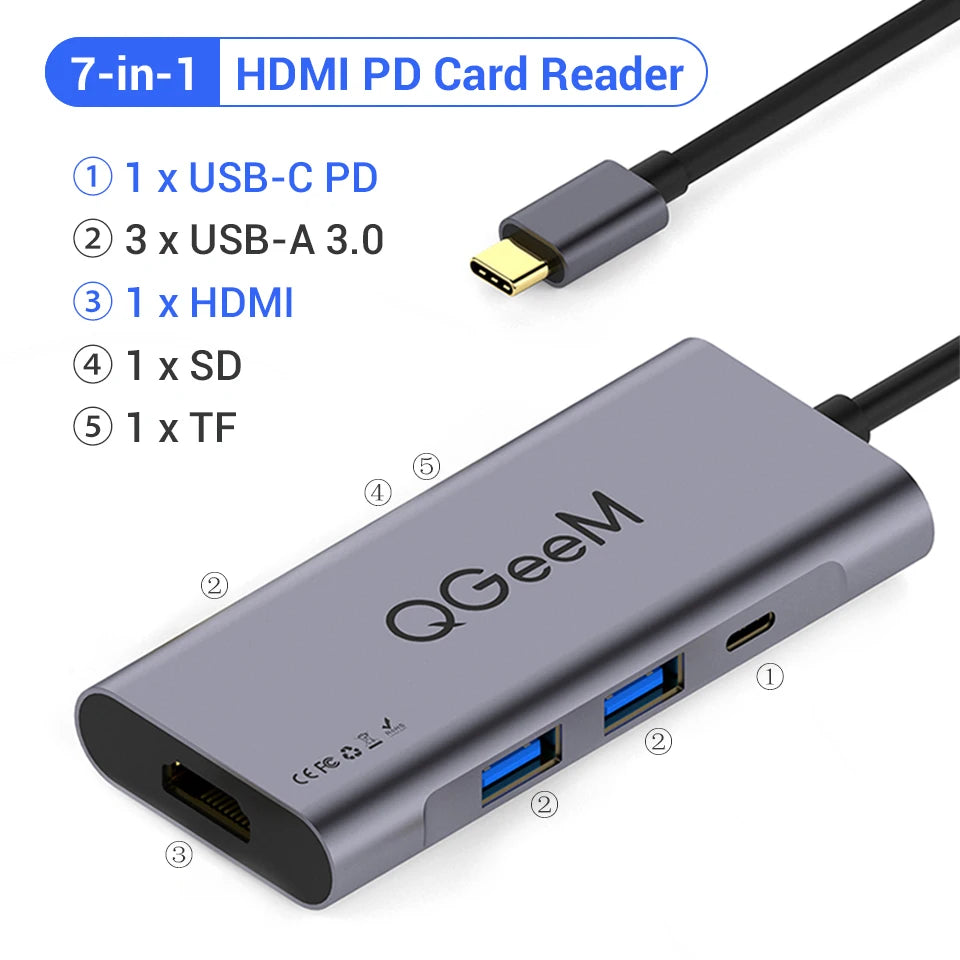
With 9 ports including HDMI, VGA, Micro SD card readers, RJ45, and more, this hub offers versatile connectivity for various devices.
5. Compatibility with MacBook Pro/Air
Designed specifically for MacBook Pro and Air users, this hub provides seamless integration and enhanced functionality.
QGeeM USB - C Hub User Manual
1. Introduction
The QGeeM USB - C Hub is a powerful adapter designed to expand the connectivity of your devices such as MacBooks, laptops, and smartphones. It enriches your digital experience by enabling connections to displays, networks, storage devices, and more, which is perfect for both work and entertainment scenarios.
2. Quick Start Guide
Step 1: Check Your Device’s Type - C Port
Before connection, make sure your phone or laptop has the MHL function or a full - feature Type - C port. Without these, the video transfer function of this USB - C Hub won’t work.
Step 2: Connect the Hub to Your Device
Plug the provided USB - C cable into the compatible Type - C port of your device. Ensure the connection is firm.
Step 3: Attach Peripheral Devices
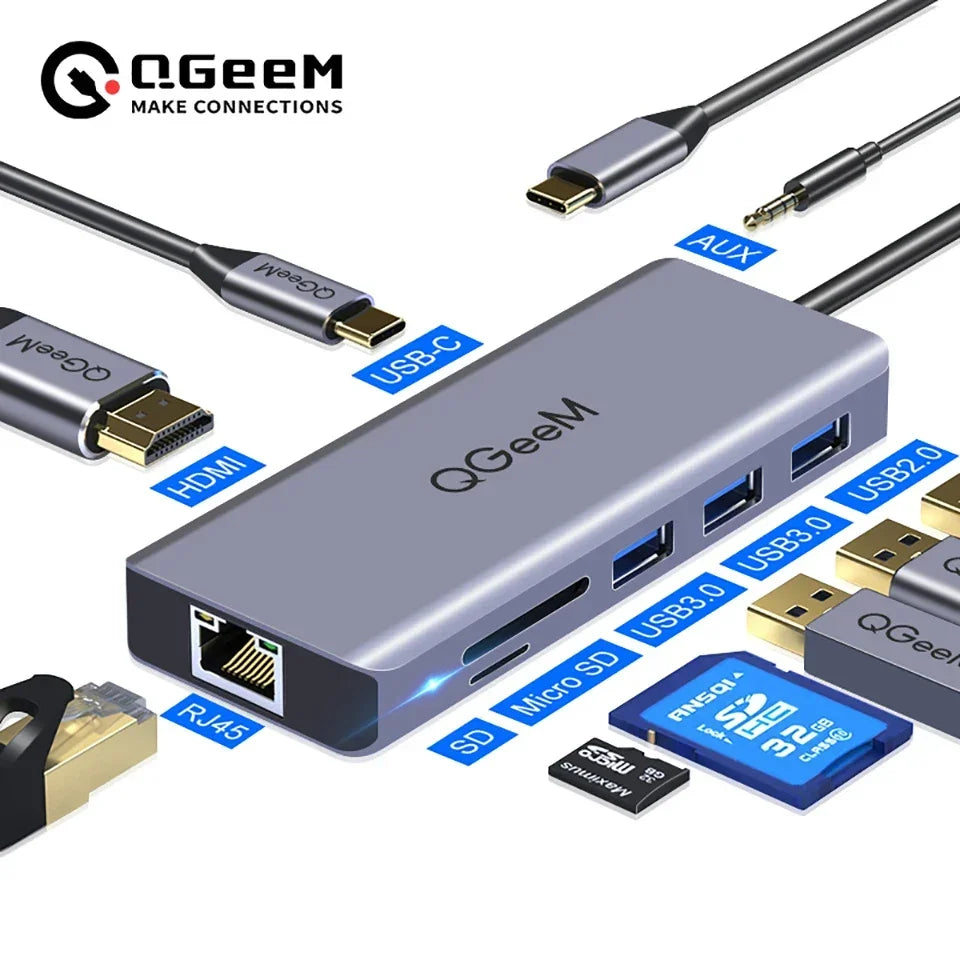
HDMI Output: Use an HDMI cable to connect to a monitor, TV, or projector.
VGA Output (if available): Connect via a VGA cable to external displays.
RJ45 Port: Insert an Ethernet cable for a stable wired internet connection.
USB Ports: Connect USB devices like keyboards, mice, or flash drives.
Card Slots: Insert SD or Micro SD cards for data transfer.
AUX Port: Connect headphones or microphones.
PD Charging (using USB - C PD port): Connect a 100W PD charger for power supply.
Step 4: Power On and Test
Turn on your connected devices. Check if all peripherals are recognized and if functions like video output and network access work as expected.
3. Key Features
Multi - Functionality Integration
This hub combines HDMI compatibility, card reading, and RJ45 networking. It’s a one - stop solution for professional tasks and multimedia consumption.
Portable & Travel - Friendly
It comes in compact packaging, making it easy to store and carry. Whether you’re on a business trip or traveling, it’s always ready to use.
Durable Construction
Made of high - quality materials, especially the space - grey aluminum alloy shell, it guarantees long - term durability and can withstand daily wear and tear.
Versatile Port Selection
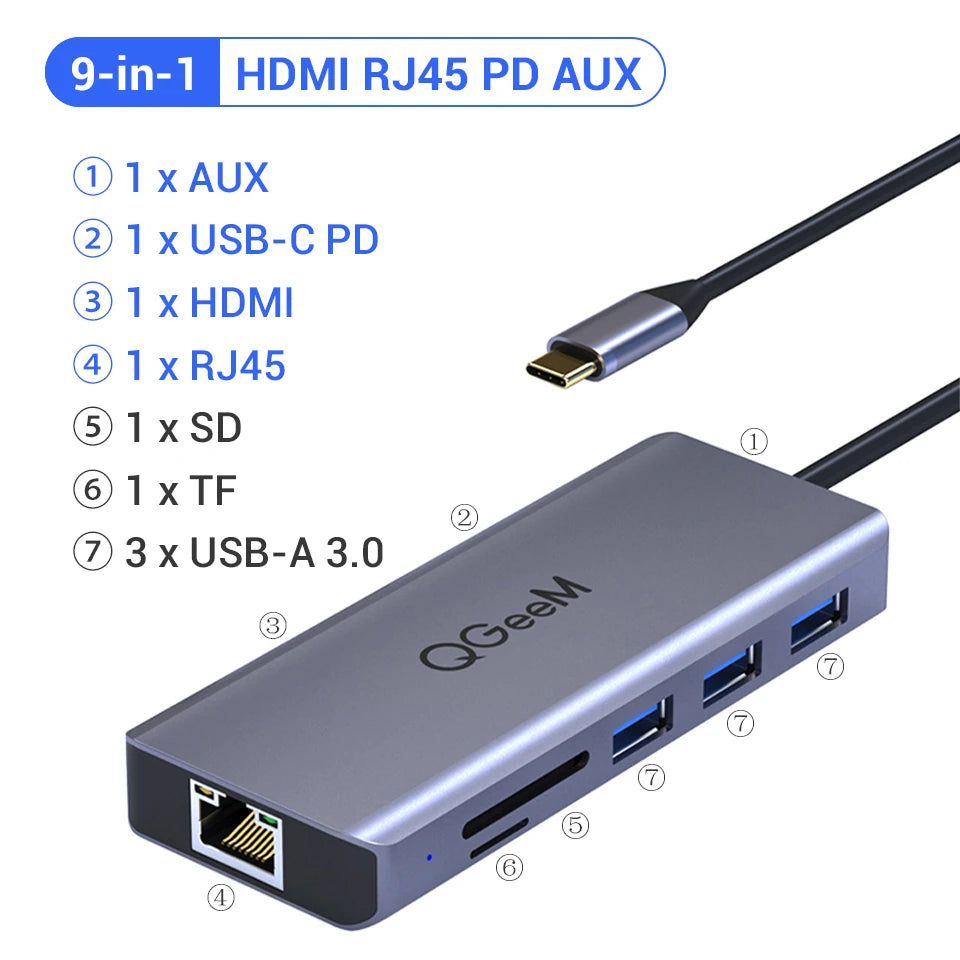
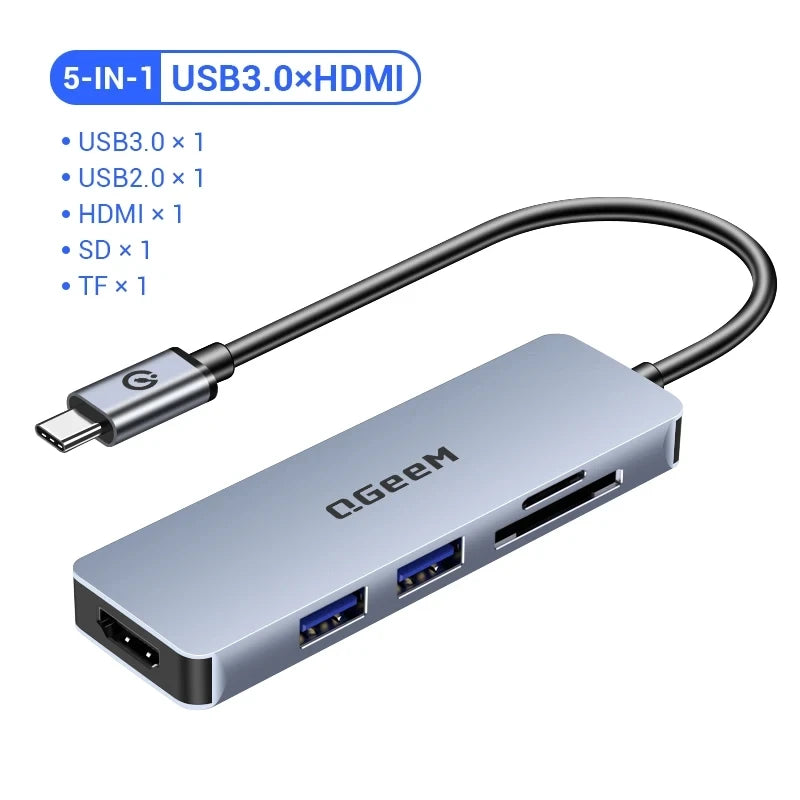
Equipped with 9+ ports, including HDMI, VGA, Micro SD/SD card readers, RJ45, AUX, multiple USB - A 3.0 ports, and a USB - C 3.0 port, it meets various connectivity needs.
MacBook Pro/Air Optimized
Specially designed for MacBook Pro and Air users, it integrates seamlessly and enhances the functionality of your laptop without adding bulk.
4. Technical Product details:
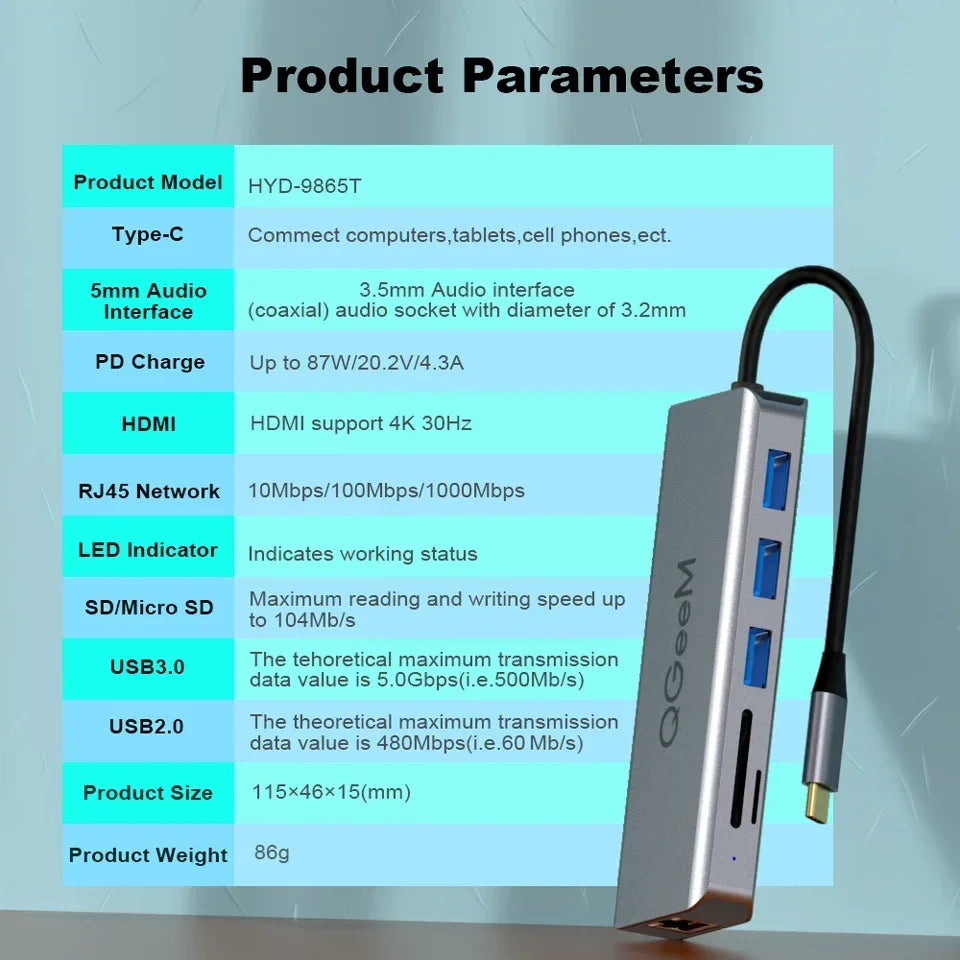
Item
Details
USB - A 3.0 Ports
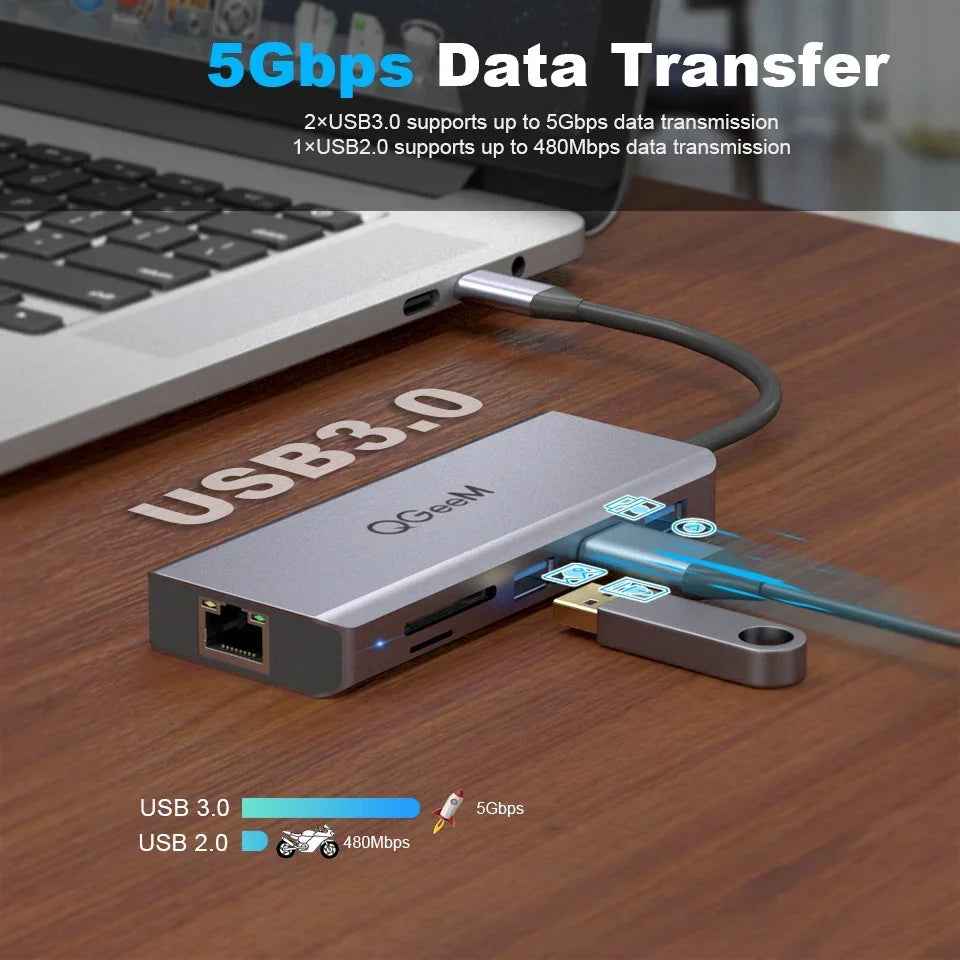
5Gbps data transfer speed
USB - C 3.0 Port
100W PD fast charging (5A)
HDMI Port
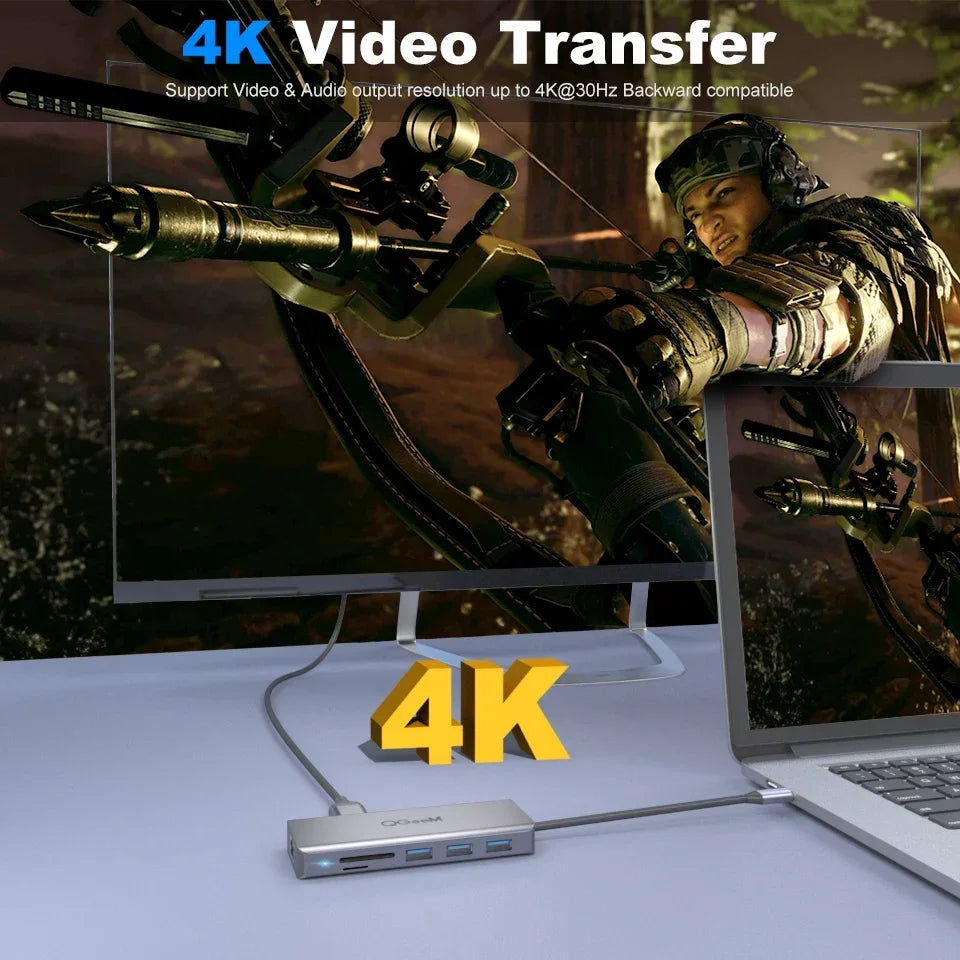
4K (3840×2160) video output at 60Hz (resolution varies by system/device)
VGA Port
Supports up to 1080p resolution (system - dependent)
RJ45 Port
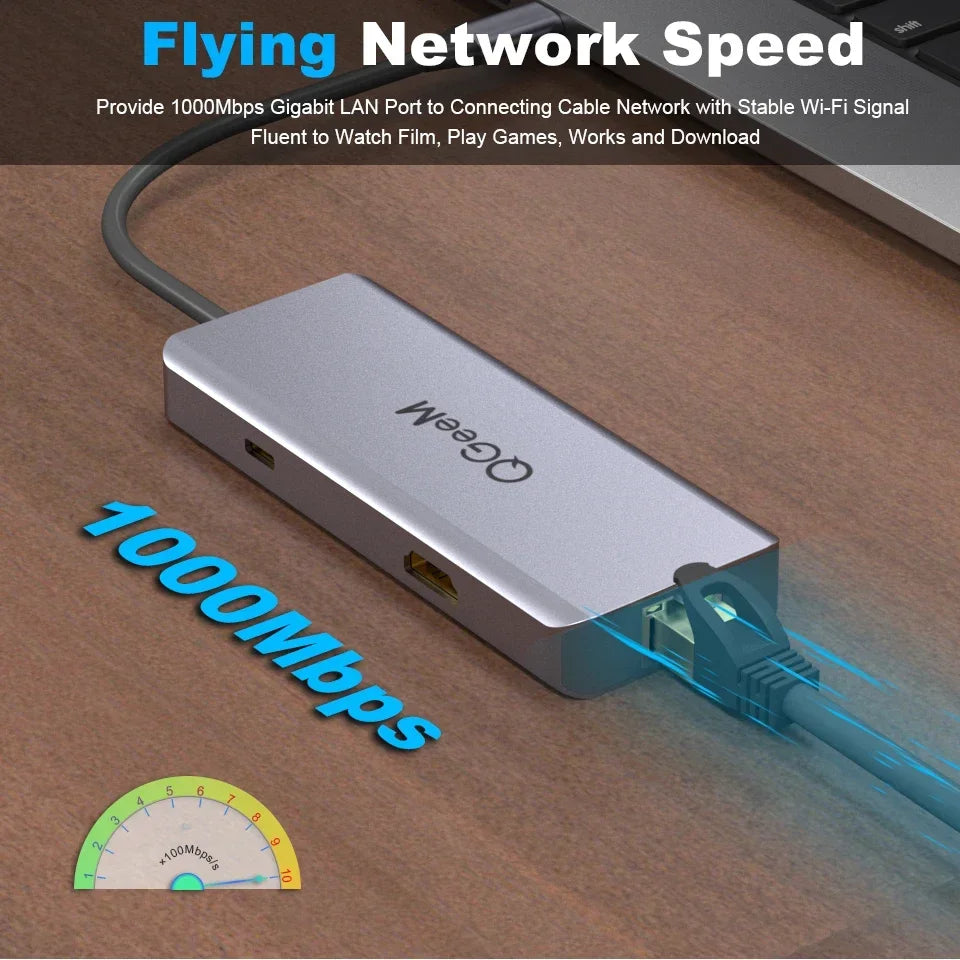
Gigabit LAN (1000Mbps) for stable wired internet
Card Slots
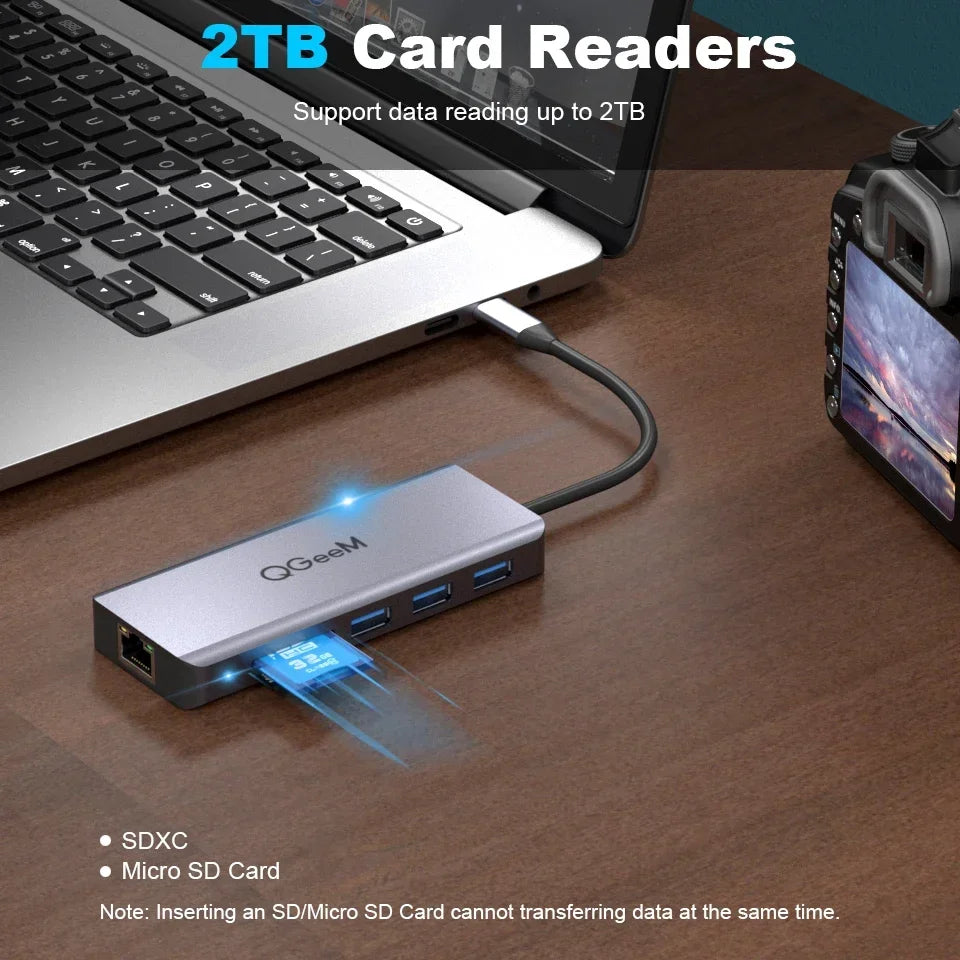
Micro SD/SDXC with up to 2TB storage capacity
AUX Port
Stereo audio input/output for headphones/microphones
Input Port
USB 3.1 Gen2 (10Gbps data transfer)
Shell Material
Space - grey aluminum alloy
Compatibility
Matches Apple MacBook’s design for a unified look
5. Compatibility
Devices
MacBooks: MacBook Pro (with Thunderbolt 3/4 or USB - C ports), MacBook Air (USB - C models)
Windows Laptops: Surface Pro 6, Dell XPS, Asus ZenBook, Huawei MateBook, etc.
Smartphones: Devices with standard USB - C ports (e.g., Samsung Galaxy S series, Huawei P/Mate series)
Operating Systems
macOS (natively supported by MacBook Pro/Air)
Windows 7/8/10/XP, Linux, Vista
Google Chrome OS
Note: For Windows systems, the resolution when using multiple HDMI/VGA ports is different from that in macOS (refer to “Resolution Notes” in the Precautions section).
6. Precautions
Attention 1: Port Requirements
Ensure your phone or laptop has the MHL function or a full - feature Type - C port. Otherwise, the video transfer function of this hub will be disabled.
Attention 2: Resolution in Different Scenarios
When using 2 HDMI ports (or 2 HDMI + 1 VGA) in Extend/Mirror mode on Windows systems, the maximum supported resolution is 1080p60Hz.
When using 2 HDMI ports in Extend/Mirror mode on macOS systems, the hub supports 4K60Hz. However, when using 2 HDMI + 1 VGA in Extend/Mirror mode, the resolution drops to 1080p60Hz on macOS.
Additional Tips
Always use the provided USB - C cable or a certified compatible cable for stable connections.
Avoid connecting too many high - power devices to the hub simultaneously to prevent overload.
Safely disconnect the hub before unplugging devices or powering them off to avoid data loss.
7. Troubleshooting
Problem: No Video Output on HDMI/VGA
Solution:
Check if your device’s Type - C port supports MHL or is a full - feature port.
Inspect HDMI/VGA cables for damage and reconnect them firmly.
Update your device’s graphics drivers (for Windows).
Problem: Devices Not Recognized on USB Ports
Solution:
Try using different USB ports on the hub.
Ensure the connected device is powered on and working properly.
Problem: Slow Network on RJ45 Port
Solution:
Confirm that the Ethernet cable is properly inserted and functional.
Check your router or network settings for bandwidth limitations.
Problem: No Audio via AUX Port
Solution:
Ensure the AUX cable is securely connected to both the hub and the audio device.
Set the audio output device in your system settings to “USB Audio Device”.
By following this manual, you can fully utilize the capabilities of the QGeeM USB - C Hub and enjoy a seamless multi - device connectivity experience.
QGeeM USB C Hub for Macbook Pro Air HDMI VGA Micro SD Card Readers RJ45 Aux PD OTG Multi USB Hub Type C 3.0 Adapter for Notebook
FEATURE
1.USB-A 3.0 Ports: 5Gbps Data Transfer
2.USB-C 3.0 Ports: 100W PD Charger
3.HDMI Ports: 4K Video Output
4.RJ45 Port: 1000Mbps Gigabit Lan Network
5.SD/TF Port: Support SD/TF Reading to Max 2TB
6.AUX Port: Support Headphone & Microphone
7.Cool LED Indicator; Compact & Portable
8.Input Port: USB 3.1 Gen2 10Gbps
9.Space Grey Alu-Alloy Shell as MacBook
10.Widely Compatible for Macbook Pro, Surface Pro 6, Huawei Matebook
Compatible Devices
Mac Book Pro, Xiaomi, Samsung, Dell, Asus, Huawei, Lenovo, Google,Samsung S8/S8+/S9/S9+/S10/S10+, Huawei Mate 10/20/P20/P30Such as computers and mobile phones with standard TYPE-C ports.
Support Systems
Google Chrome OS; Windows 7/8/10; XP; Linus; Vista; Plug and Play, notebooks that support the standard Type-C interface and PD charging protocol.
Share